
Capture. Annotate. Export.
DeckVision
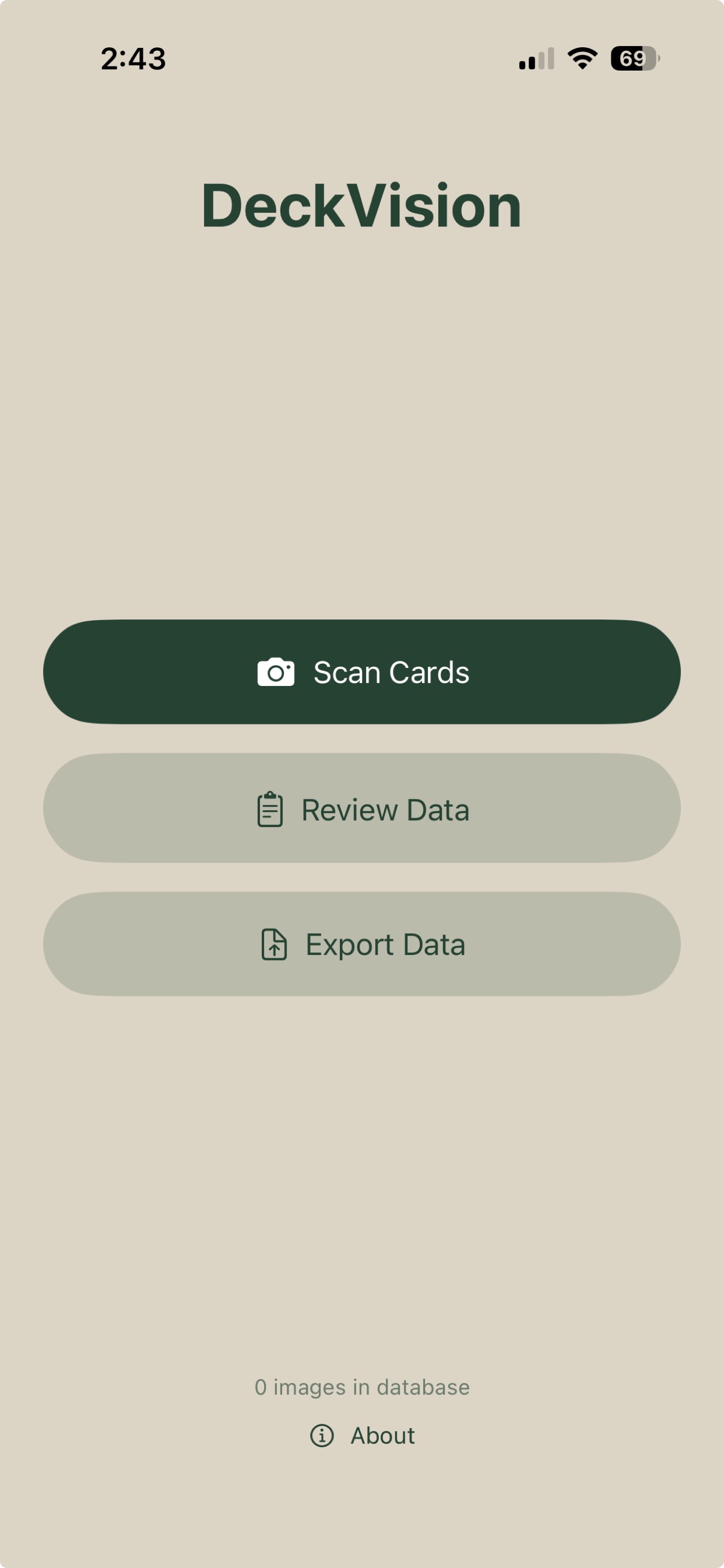
Point your camera at playing cards. Review and correct bounding boxes on-device. Export a Create ML‑ready dataset in one tap.
From camera to training data
1
Scan
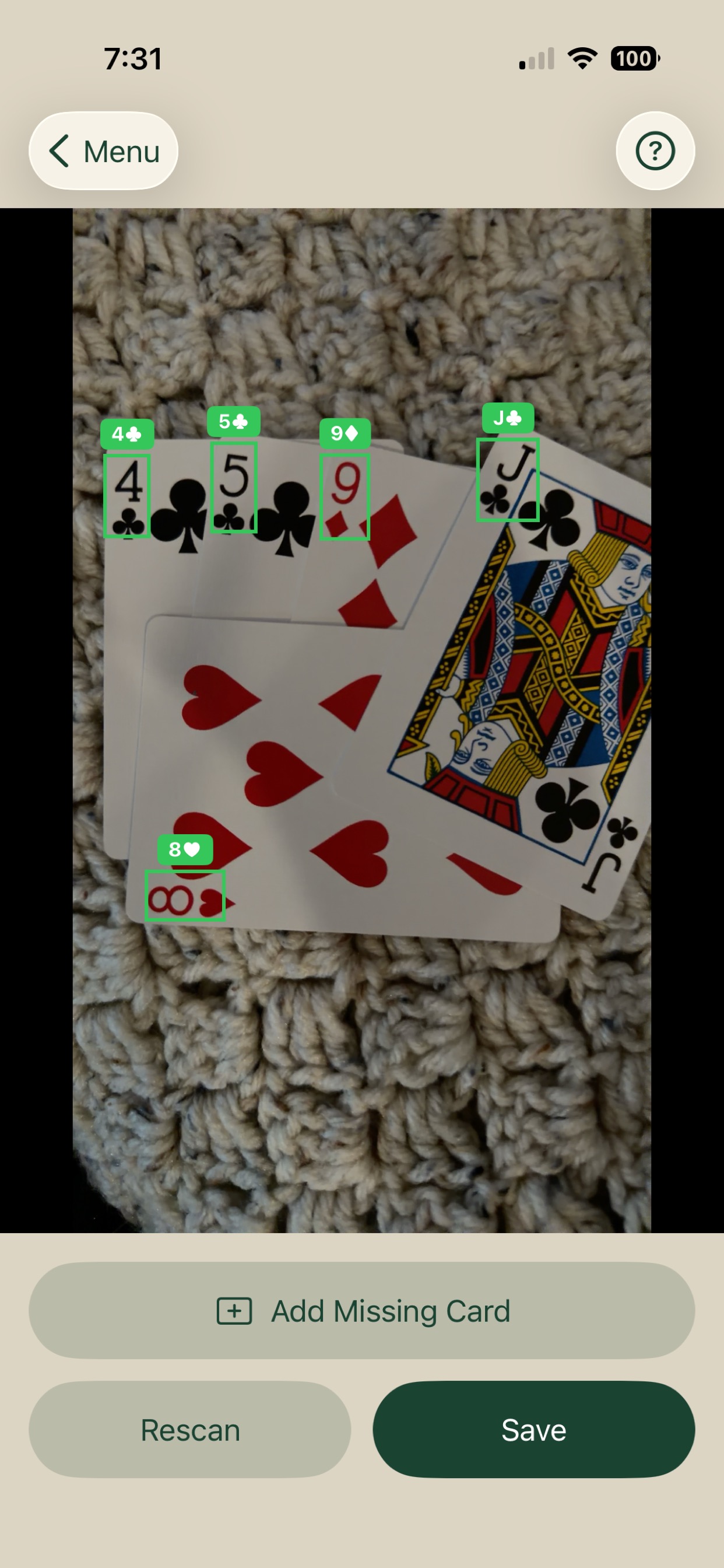
Point your iPhone camera at playing cards. DeckVision detects each card in real time using an on-device Core ML model and captures automatically when the scene is stable.
2
Annotate
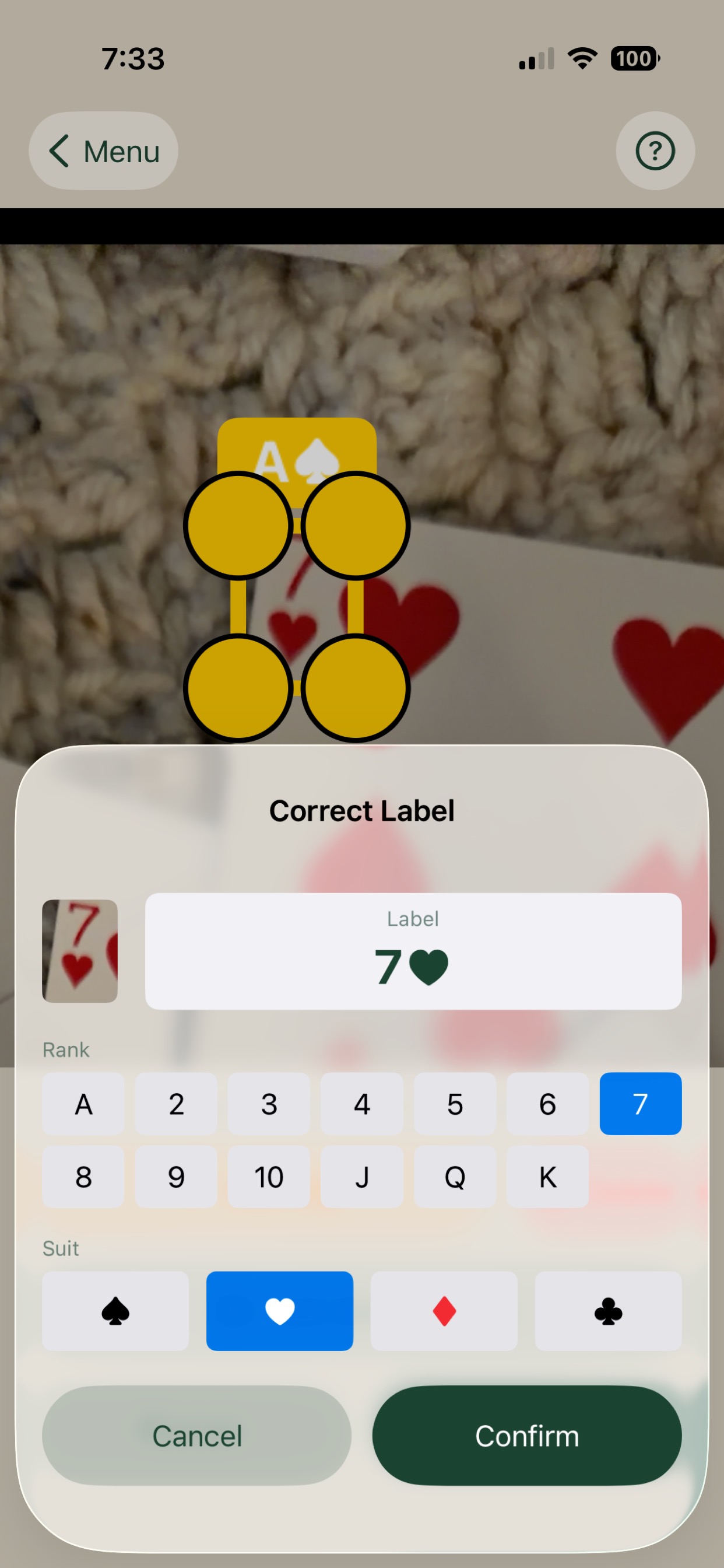
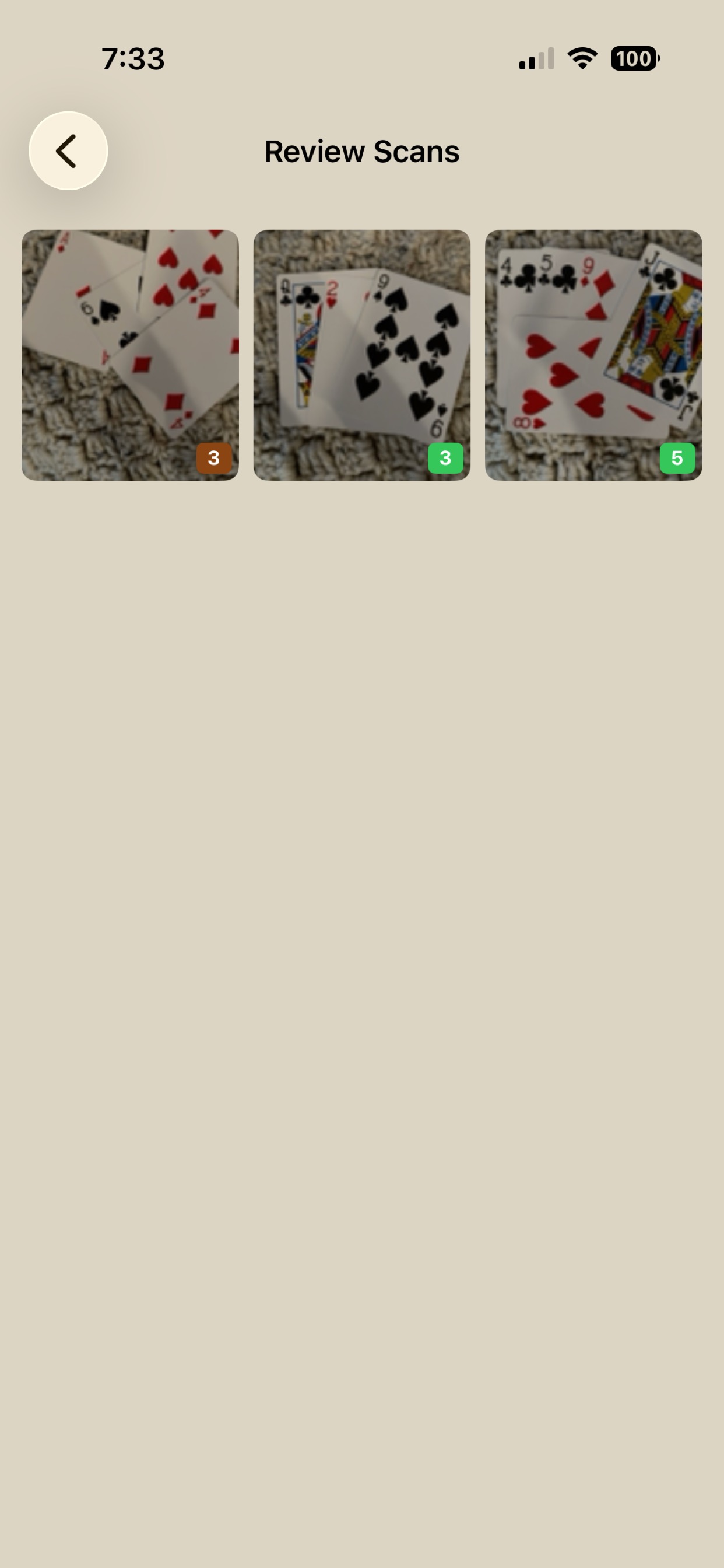
Review the captured image with bounding box overlays. Drag to reposition, pinch handles to resize, and correct any mislabelled cards using the label picker. Add boxes the model missed.
3
Export
Export your dataset as a zip archive containing annotated images and a Create ML‑compatible annotations.json. Drop it straight into a Create ML object detection project.
Built for the annotation loop
- On-device detection — Core ML and Vision run entirely on your iPhone. No server round-trips, no latency, no camera data leaving your device.
- Gesture-based annotation editing — Tap to select, drag to move, drag corners to resize. Pinch to zoom in for precision work on small or overlapping cards.
- Label correction sheet — Pick rank and suit from a grid with a cropped card preview alongside. Corrections are tracked separately from model predictions.
-
Create ML export format — Exports
annotations.jsonwith center-based pixel coordinates compatible with Create ML object detection tasks, plus ametadata.jsontracking correction provenance. -
Companion Python tools —
merge_exports.pymerges new exports into an existing training set with sequential renaming.verify_annotations.pydraws bounding boxes on exported images for visual QA.
Drops straight into Create ML
The exported archive contains your images and an annotations.json in Create ML object detection format — ready to drag into a new training source without any conversion.
Available now on iPhone.
DeckVision is free on the App Store. Build your training dataset on any iPhone.